AI Settings Walkthrough
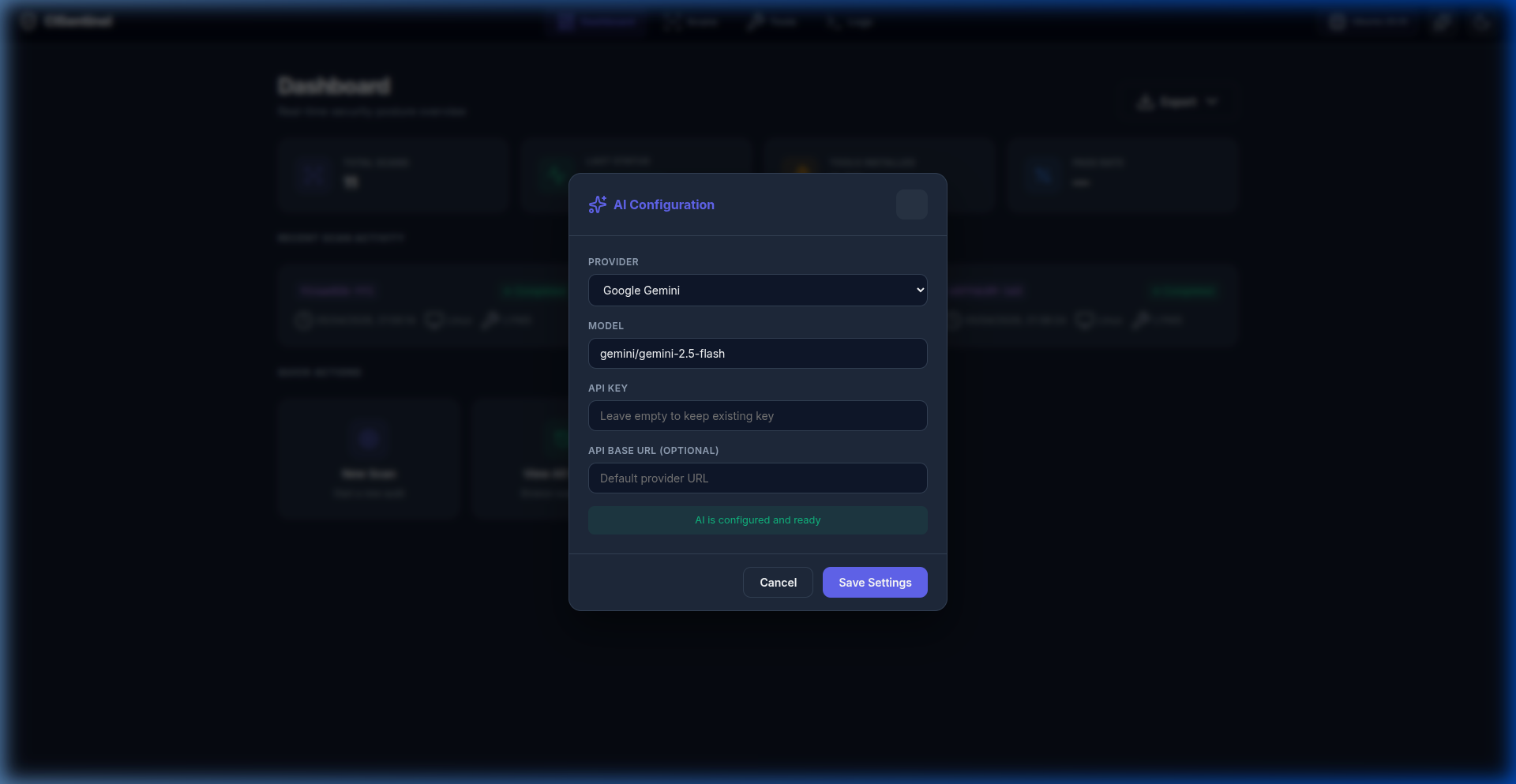
The AI Settings modal allows configuring the AI provider for scan analysis.
Accessing AI Settings
Click the ✨ sparkles button in the top-right of the navigation bar.
Modal Fields
| Field | Description | Default |
|---|---|---|
| Provider | AI provider dropdown | Gemini |
| Model | Model identifier | gemini/gemini-2.5-flash |
| API Key | Provider API key (hidden input) | (empty) |
| API Base URL | Custom endpoint (optional) | (default provider URL) |
Supported Providers
The provider dropdown includes: - Google Gemini (default) - OpenAI - Anthropic - Mistral - Groq - Ollama (Local) — for self-hosted models
Saving Settings
- Select a provider
- Enter/update the model name
- Enter the API key (leave empty to keep existing)
- Optionally set a custom API base URL
- Click Save Settings
Settings are persisted in the SQLite database and shared with the CLI.
Status Indicator
The modal shows an AI Status Badge indicating: - Whether the API key is configured - The current provider/model