Logs Page Walkthrough
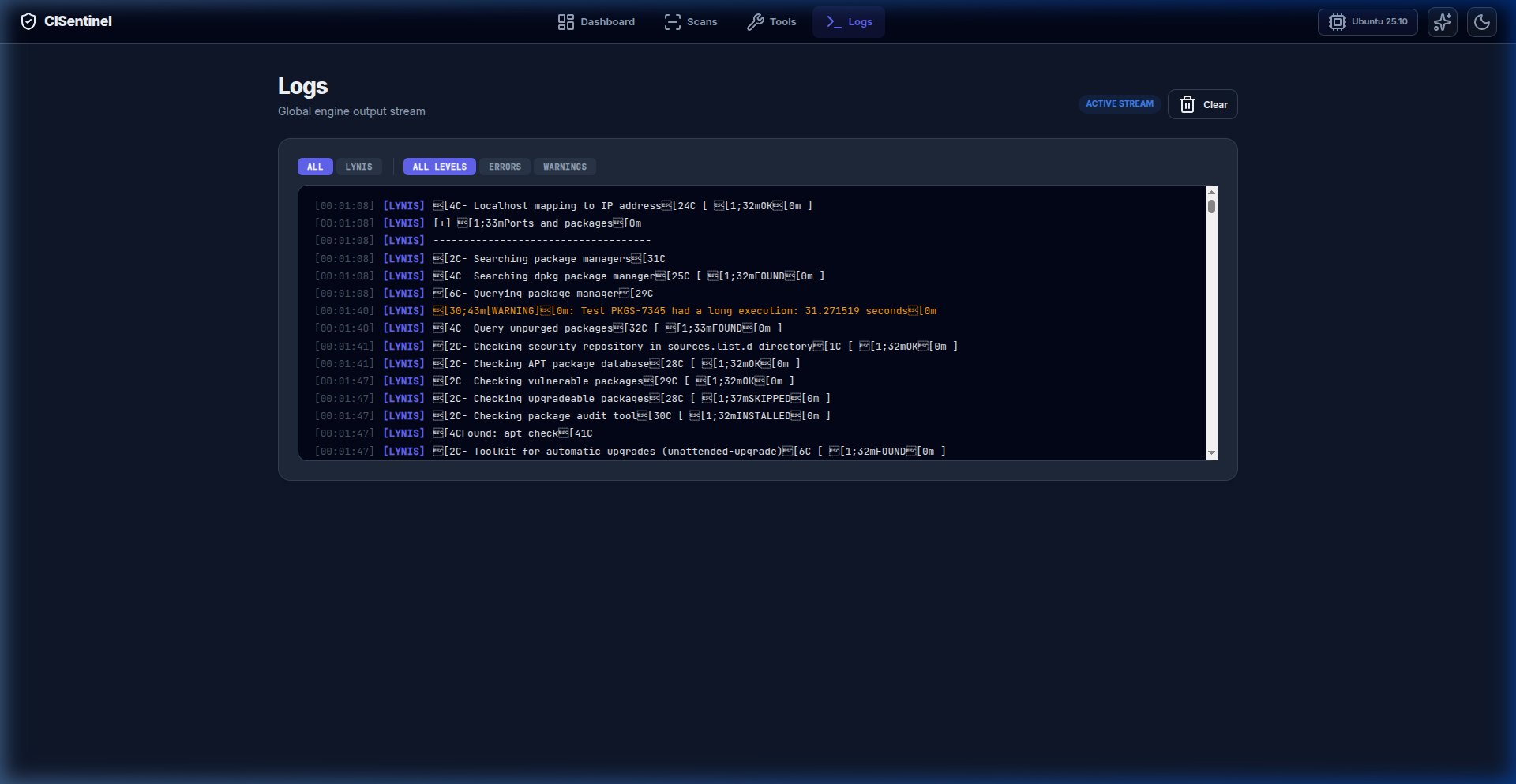
The Logs page provides a global real-time engine output stream.
Live Log Stream
The logs page shows a real-time console that displays: - All scan output as it happens - Tool-specific messages - Errors and warnings - Server events
Filtering
By Tool
Tool tabs at the top allow filtering: - ALL: Show all logs - OPENSCAP: OpenSCAP logs only - LYNIS: Lynis logs only - CISCAT: CIS-CAT logs only - (dynamic — tabs appear as tools produce output)
By Level
Level tabs for severity filtering: - ALL LEVELS: Show everything - ERRORS: Only error messages - WARNINGS: Only warning messages
Console Output
The console area: - Auto-scrolls to the latest entry - Color-codes output by tool and severity - Shows timestamps for each entry - Supports scrollback for review
Clear Button
The "Clear" button (🗑️ trash icon) clears the current console output.
Status Badge
An "Active Stream" badge indicates the WebSocket connection is live.