Interactive Mode Walkthrough
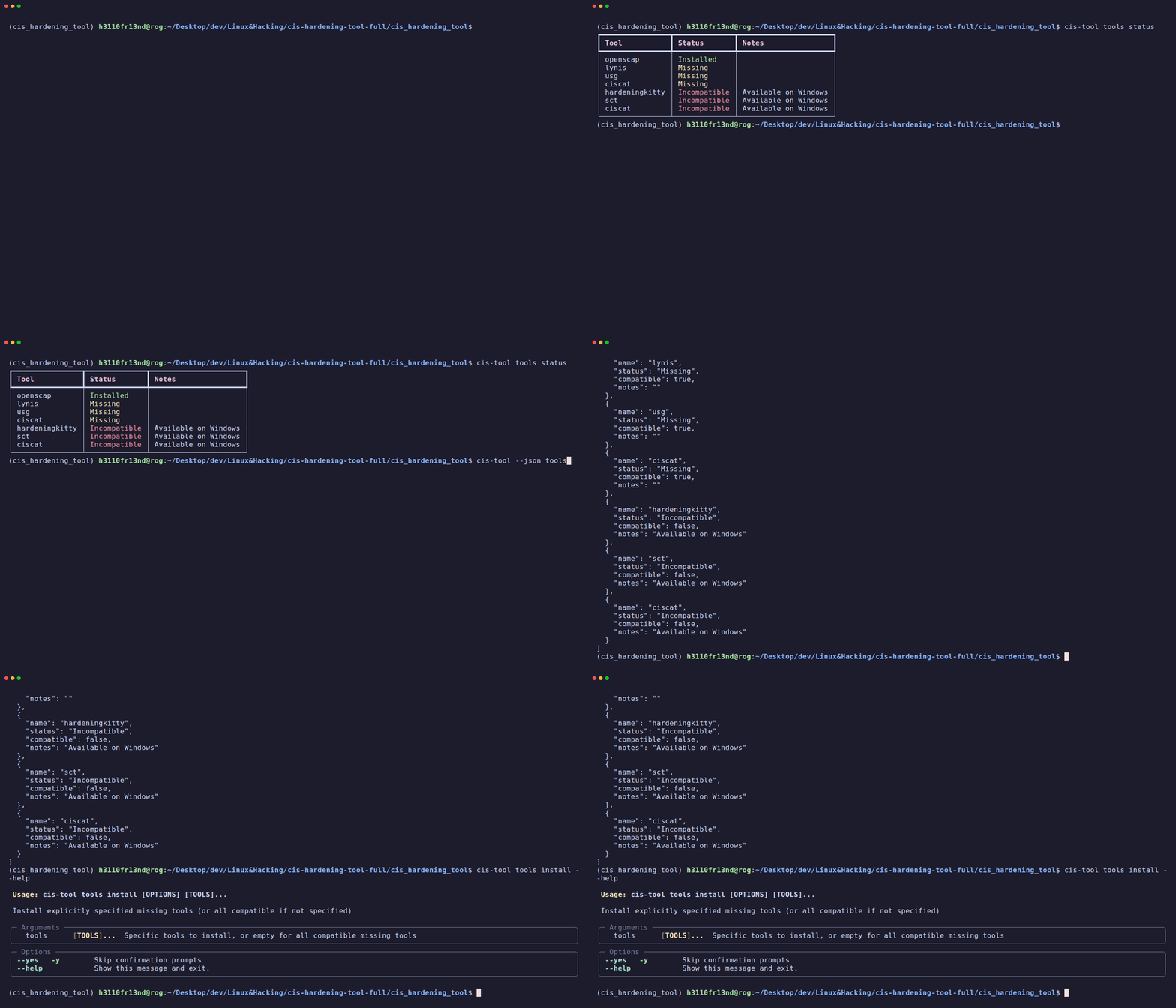
When you run cis-hardening-tool without any subcommand, it launches the interactive menu — a rich, TUI-style interface powered by Rich and Questionary.
Launching Interactive Mode
Note: The tool auto-escalates to root/admin unless you're running a read-only command (like
--help,history,doctor).
Main Menu Options
The interactive menu dynamically adjusts based on the current state:
When Web Server is NOT running:
When Web Server IS running:
? What would you like to do?
❯ Stop Web Server
  View Server Logs
  Manage Tools
  Run Quick Scan
  View Scan History
  Exit
Feature: Start Web Server
Launches the FastAPI web server on port 8000 in the background. Opens a full web dashboard for GUI-based operation.
Feature: Manage Tools
Opens a multi-select checkbox interface showing all tools:
? Select tools to install/ensure are ready:
  ☑ lynis (Missing)
  ☑ openscap (Missing)
  ☐ ciscat (Missing)
  ✗ hardeningkitty (Incompatible - Available on Windows)
  ✗ sct (Incompatible - Available on Windows)
- Installed tools are unchecked by default
- Missing tools are pre-checked for installation
- Incompatible tools (wrong OS) are grayed out and disabled
Feature: Run Quick Scan
- Displays a checkbox selector of installed tools
- Runs each selected tool sequentially with real-time output
- Shows an output preview panel per tool
- Displays a summary table with pass/fail status
- Optionally generates an AI summary (if API key is configured)
Feature: View Scan History
Shows a table of all past scans with: - Scan ID - Status (Completed/Failed) - Duration - Tools used
Allows selecting a scan to view detailed findings.
Navigating
- Arrow keys: Navigate menu items
- Enter: Select
- Space: Toggle checkbox items
- Ctrl+C (once): Prompts exit confirmation
- Ctrl+C (double-tap): Force exit with cleanup
ASCII Banner
On startup and --version, the tool displays a branded ASCII art banner: