Installation Walkthrough
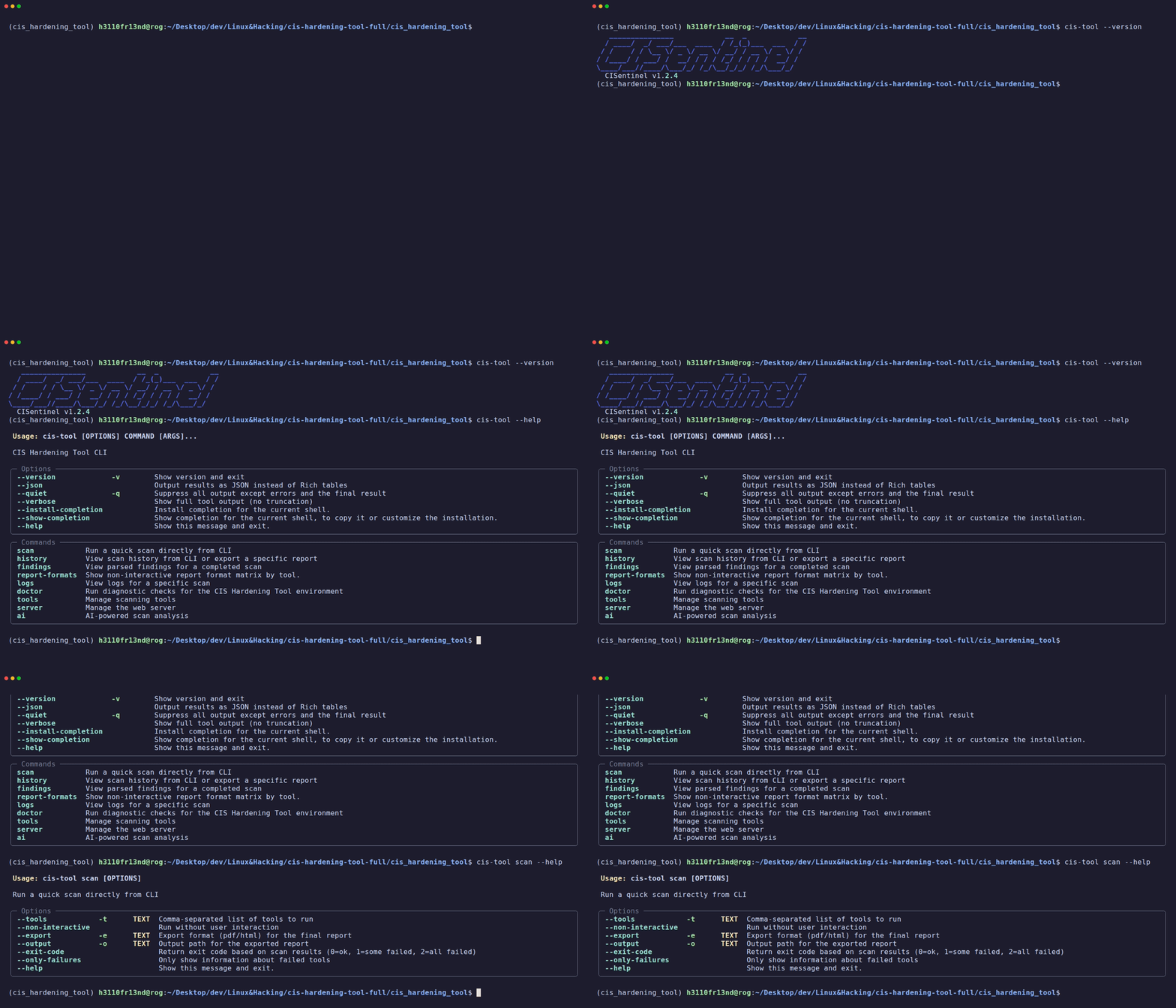
CISentinel can be installed via multiple methods depending on your platform and preference.
Linux Installation
Method 1: AppImage (Recommended for quick use)
Download the latest AppImage from the Official Releases page:
# Download latest AppImage (adjust version as needed)
wget https://downloads.h3y.xyz/latest/cis-hardening-tool-x86_64.AppImage

# Make executable
chmod +x cis-hardening-tool-x86_64.AppImage

# Run directly
sudo ./cis-hardening-tool-x86_64.AppImage --version

# Or install system-wide
sudo cp cis-hardening-tool-x86_64.AppImage /usr/local/bin/cis-hardening-tool
Note: If FUSE is not available, the AppImage will auto-extract using
--appimage-extract.
Method 2: DEB Package (Debian/Ubuntu)
# Download the .deb file (adjust version as needed)
wget https://downloads.h3y.xyz/latest/cis-hardening-tool.deb

# Install
sudo apt install ./cis-hardening-tool.deb

# Verify
cis-hardening-tool --version
Method 3: From Source (Development)
# Clone the repository
git clone https://github.com/h3110Fr13nd/cis-hardening-tool.git
cd cis-hardening-tool/cis_hardening_tool

# Create virtual environment with uv
uv venv
source .venv/bin/activate

# Install dependencies
uv pip install -e .

# Run
python cli_entry.py --version
Windows Installation
Method 1: Windows Installer (Recommended)
- Download
cis-hardening-tool-installer.exefrom Official Releases - Run the installer (accepts default path:
C:\Program Files (x86)\CIS Hardening Tool\) - The tool is added to your PATH automatically
Method 2: Standalone EXE
# Download standalone EXE
Invoke-WebRequest -Uri "https://downloads.h3y.xyz/latest/cis-hardening-tool-standalone.exe" -OutFile "cis-hardening-tool.exe"

# Run from current directory
.\cis-hardening-tool.exe --version
Post-Installation Verification
After installation, run the doctor command to verify your environment:
This checks: - ✅ Python version (≥3.9) - ✅ Root/admin privileges - ✅ Disk space availability - ✅ Tool compatibility for your OS - ✅ Network connectivity