CISentinel Walkthrough Documentation
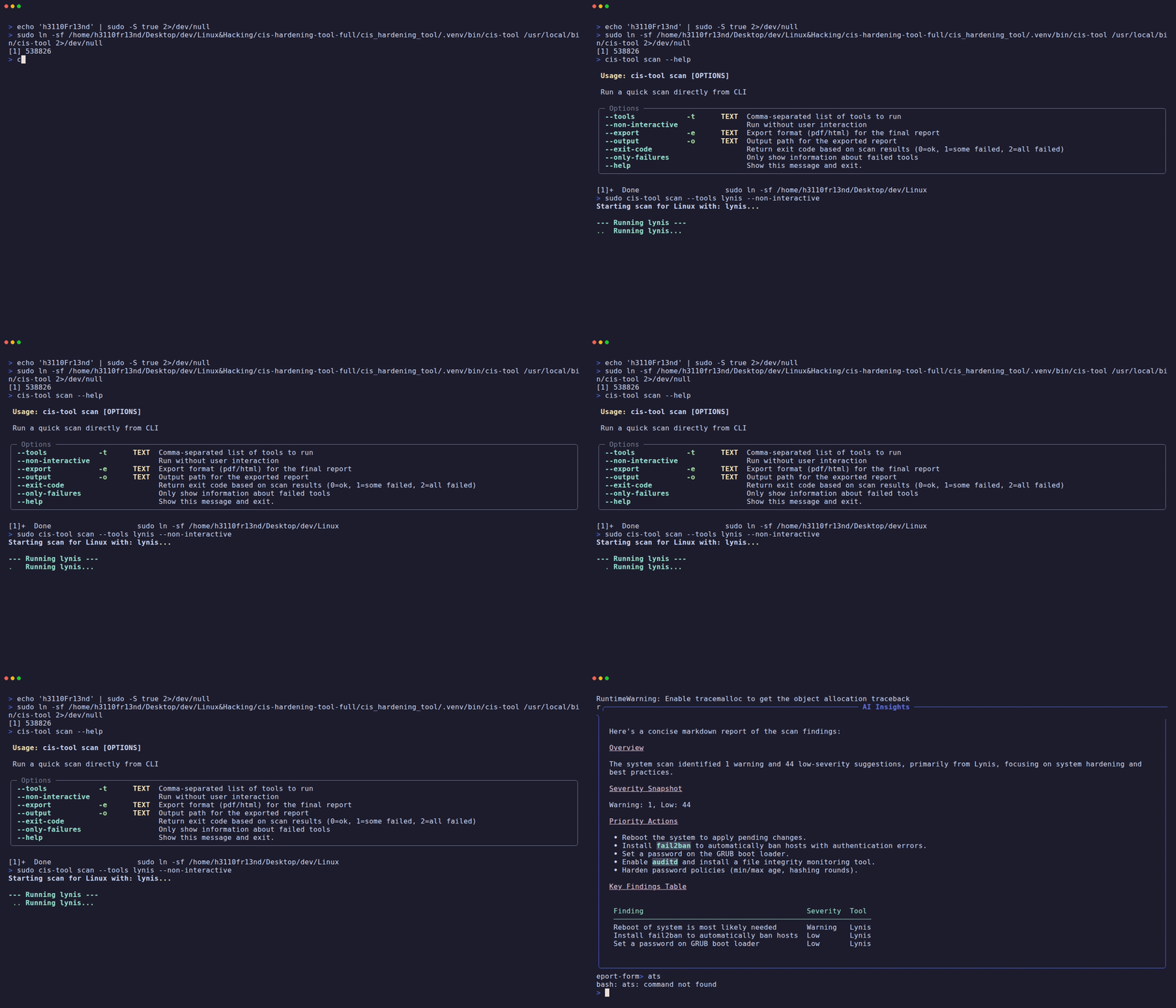
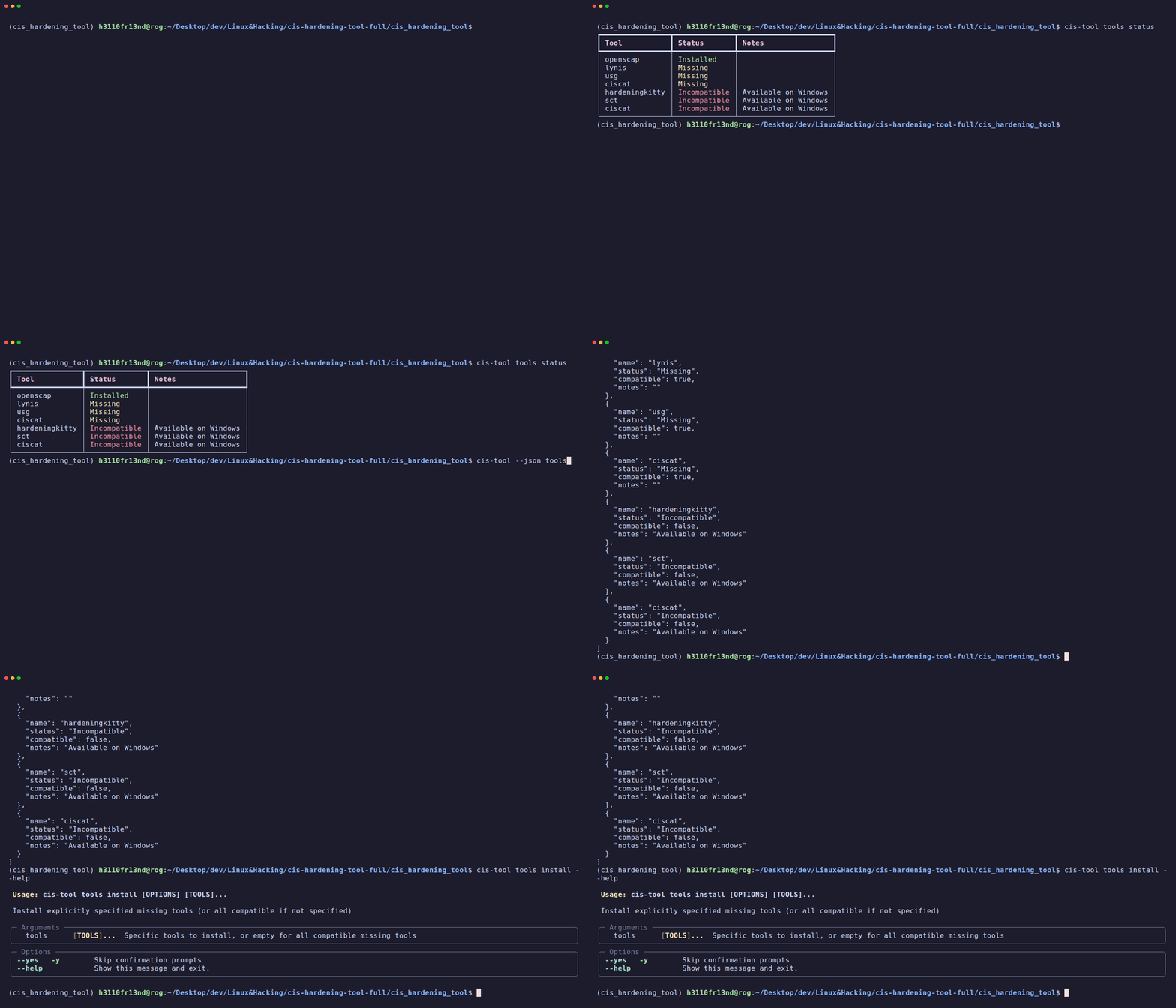
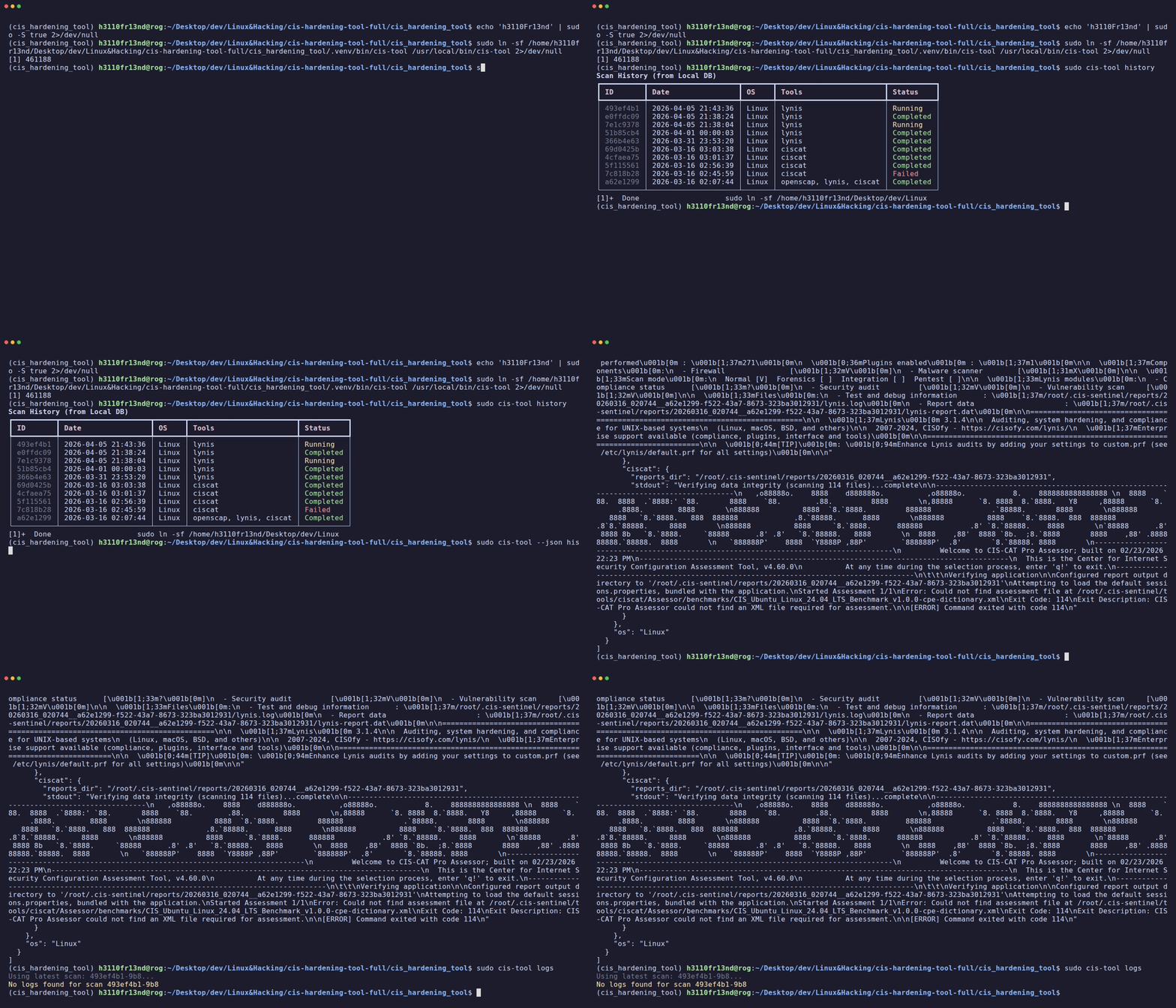
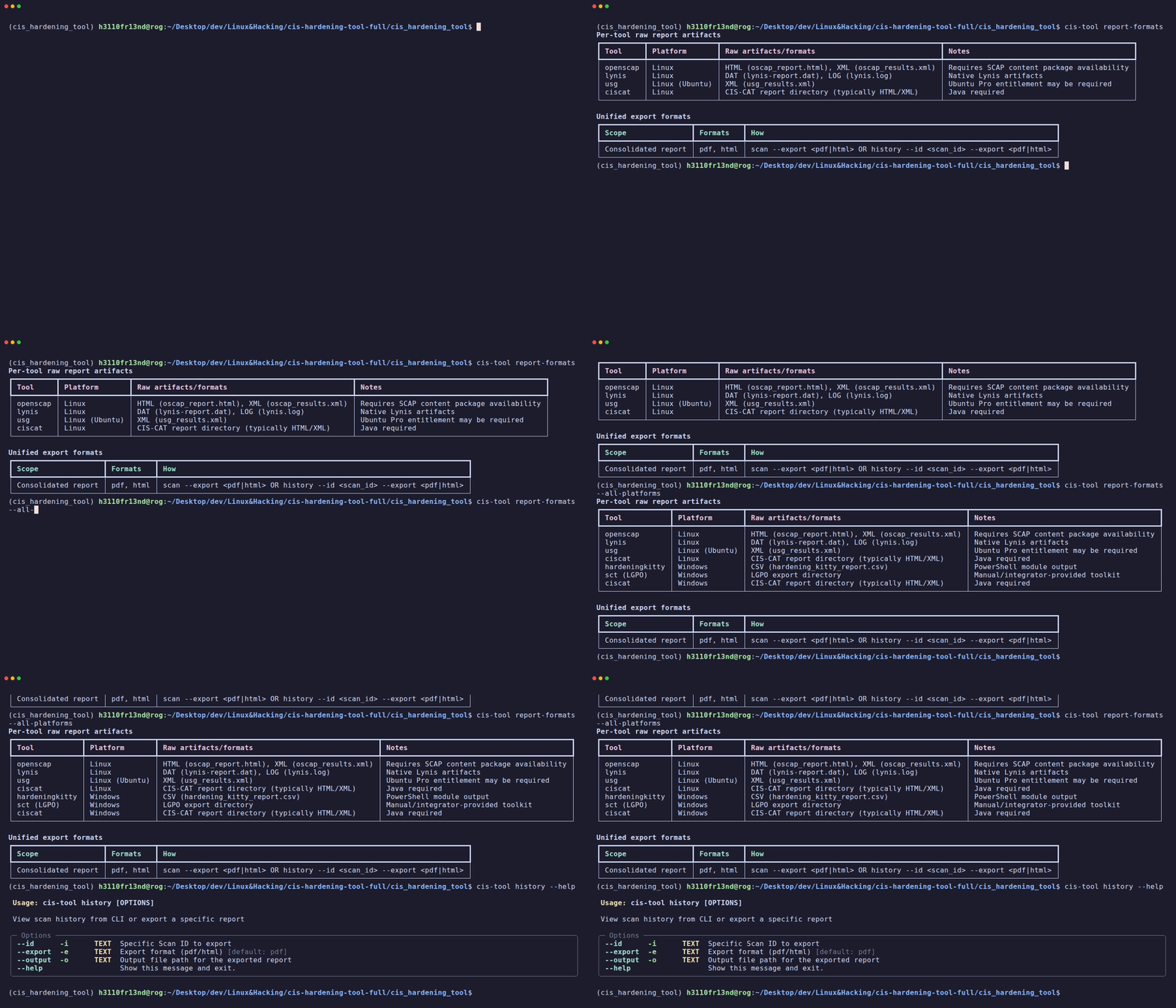
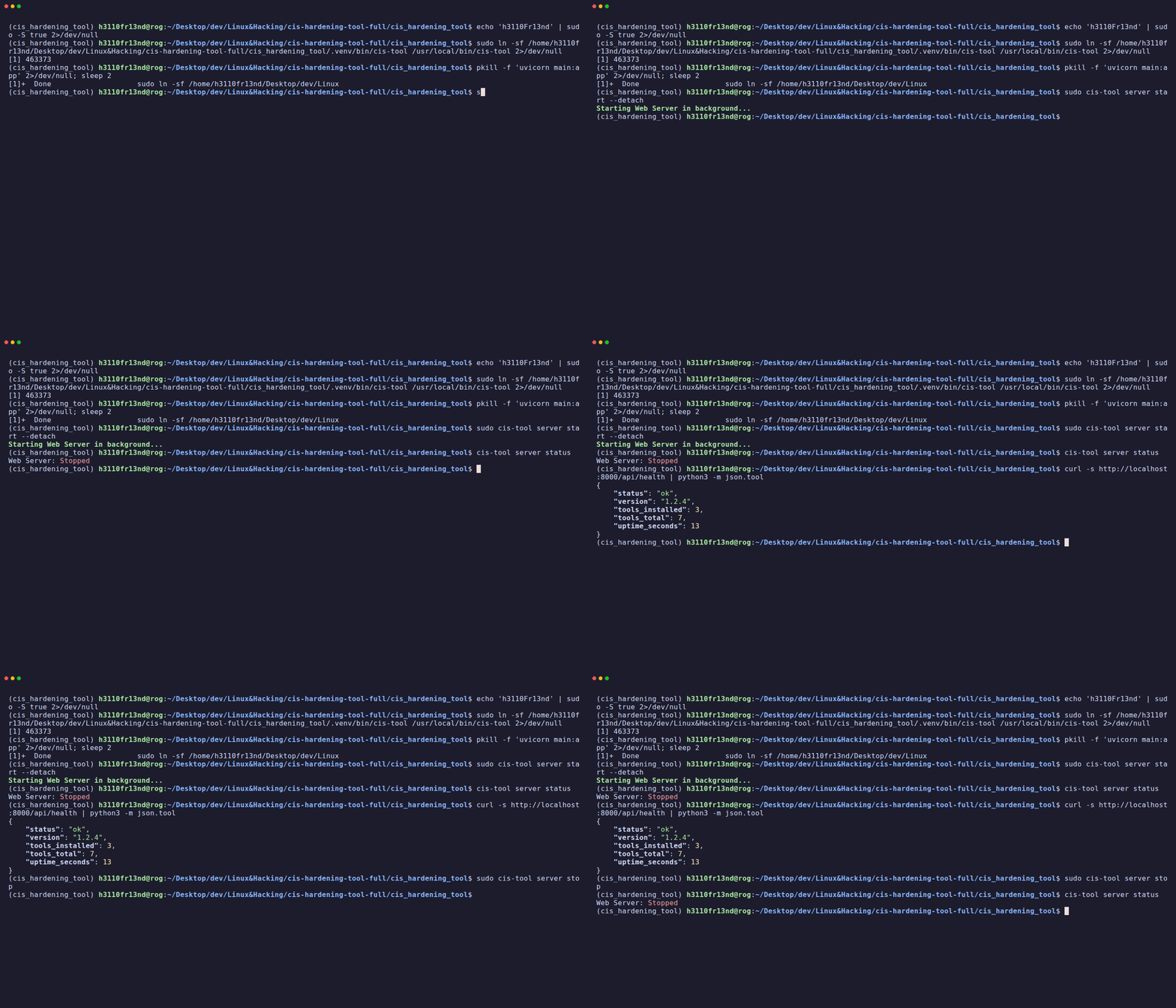
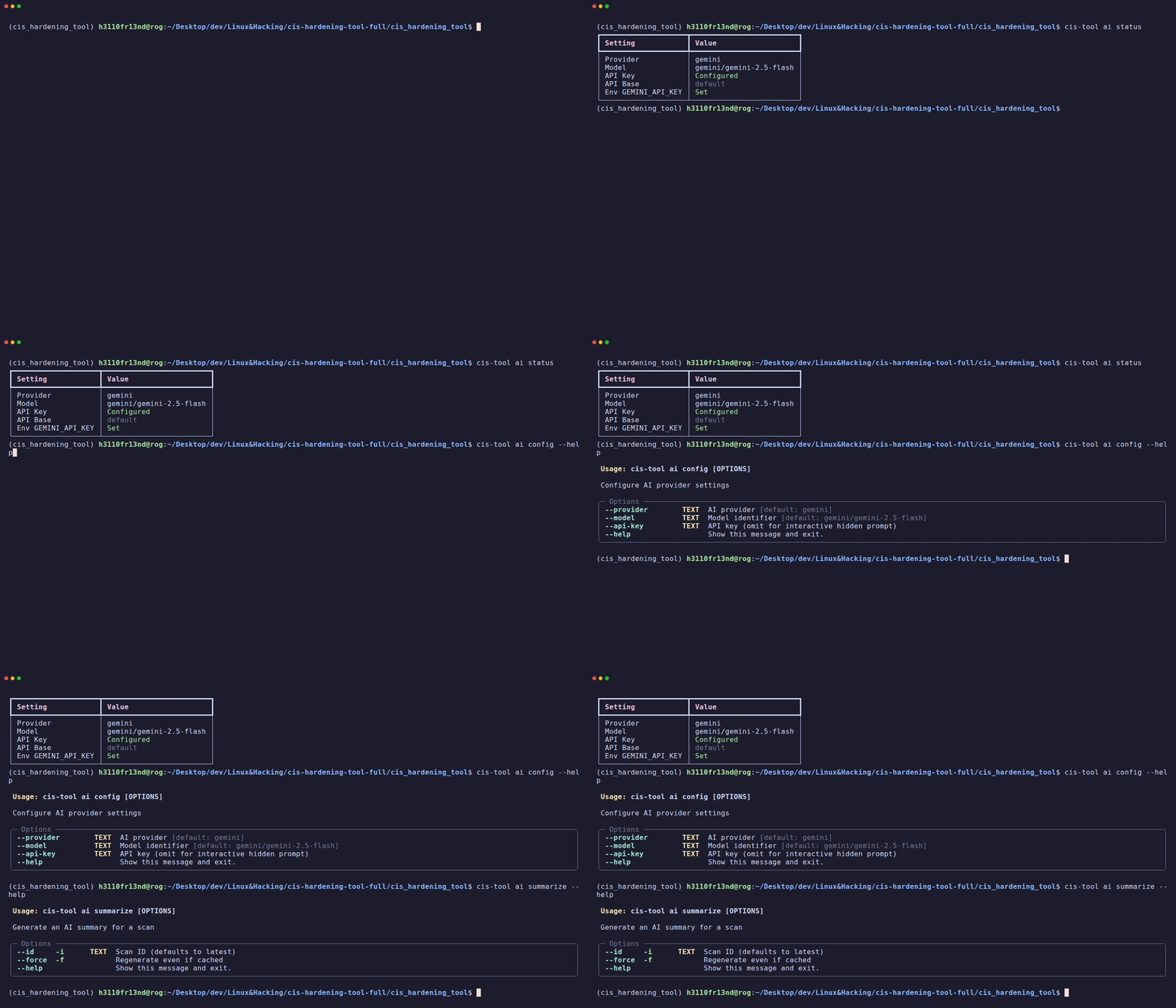
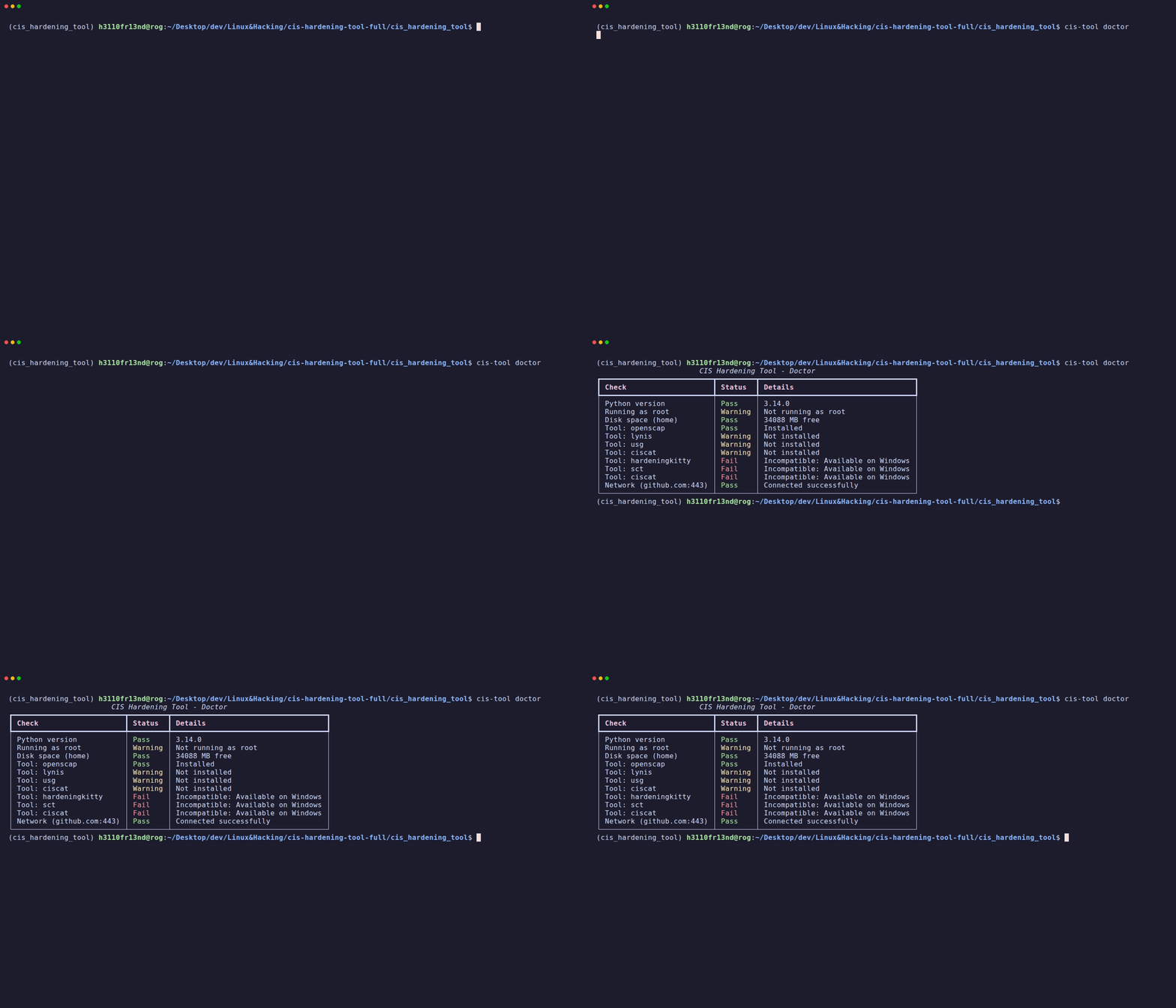
Welcome to the comprehensive walkthrough documentation for CIS Hardening Sentinel (CISentinel). This directory contains step-by-step guides with automated recordings and screenshots for every feature across all supported platforms.
Directory Structure
walkthroughs/
├── cli/                    CLI feature walkthroughs with GIF recordings
├── gui/                    Web GUI walkthroughs with screenshots
├── platforms/              Per-OS platform walkthroughs
├── tool_deep_dives/        Per-tool detailed guides
└── scripts/                Automation scripts for recording/capture
CLI Walkthroughs
GUI Walkthroughs
| Platform | OS | Guide |
| Ubuntu 18.04 | Debian-family | Guide |
| Ubuntu 22.04 | Debian-family | Guide |
| Ubuntu 24.04 | Debian-family | Guide |
| Debian 12 | Debian-family | Guide |
| AlmaLinux 9 | Red Hat-family | Guide |
| openSUSE 15 | SUSE-family | Guide |
| Kali Linux | Debian-family | Guide |
| Windows Server | Windows | Guide |
| Windows 10 | Windows | Guide |
| Tool | Platform | Guide |
| OpenSCAP | Linux | Guide |
| Lynis | Linux | Guide |
| USG | Ubuntu only | Guide |
| CIS-CAT Lite | Cross-platform | Guide |
| HardeningKitty | Windows | Guide |
| SCT | Windows | Guide |
Automation Scripts
The scripts/ directory contains automation tools:
| Script | Purpose |
record_cli.sh | Records CLI walkthroughs using VHS tape files → GIF |
capture_vm_screenshots.sh | Captures VM desktop screenshots via VBoxManage |
vm_walkthrough_demo.sh | Demo script that runs inside VMs for recordings |
tapes/*.tape | VHS tape files defining each CLI recording |
Quick Start
# Record all CLI walkthroughs (requires cis-hardening-tool installed)
./walkthroughs/scripts/record_cli.sh all

# Screenshot a running VM
./walkthroughs/scripts/capture_vm_screenshots.sh screenshot ubuntu22

# Full VM walkthrough (desktop screenshot + CLI recording)
./walkthroughs/scripts/capture_vm_screenshots.sh full ubuntu22